Colors and Appearance
-
Black NotePad
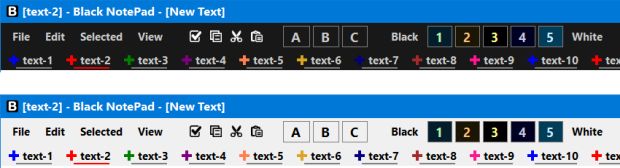
Black NotePad is a plain text editor designed for Microsoft Windows. The primary purpose of the application is to create and edit text files. Black NotePad offers a wide range of features that are unavailable in traditional plain text editors (such as Windows Notepad).
-
Classic Color Panel
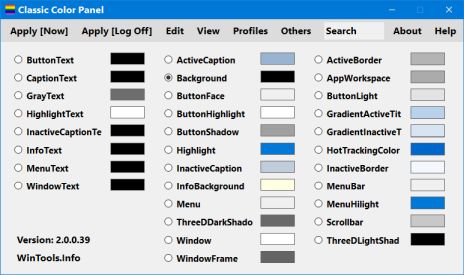
Classic Color Panel (CCP) is a utility that complements the system-level color adjustment capabilities of Windows 10/11. It allows you to make Windows 10/11 color settings, including non-public settings, on a user-friendly interface.
-
Easy Dark Mode + Wallpaper Creator
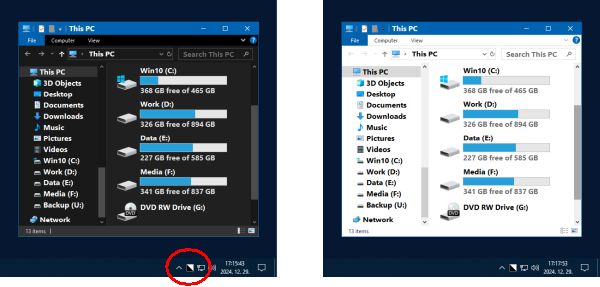
Easy Dark Mode allows you to switch between the system-wide dark/light display modes available in Windows 10/11 operating systems. It provides a one-click method and hotkey to switch display modes.
-
Easy Invert
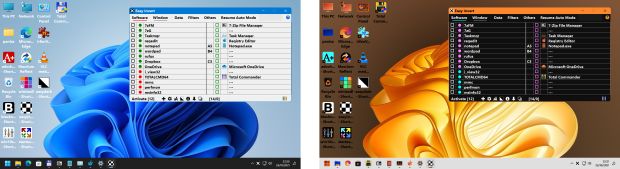
Easy Invert visually changes the display of the entire screen, and the software significantly improves the user experience. It also allows color-blind as well as visually impaired users to use the computer. You can use Easy Invert to create dark mode for software that does not already have one.
-
Easy Window Invert
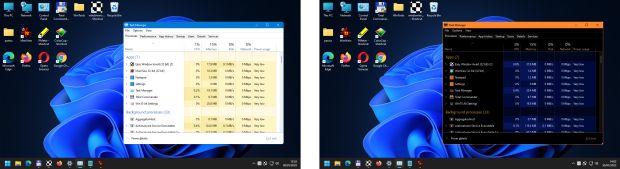
Easy Window Invert visually changes the display of windows. By using the software, you can significantly increase the user experience. It allows color-blind as well as visually impaired users to use the computer.
-
Large System Tray Clock
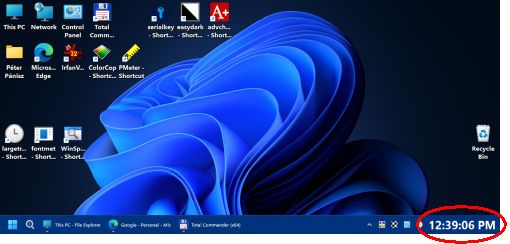
The Large System Tray Clock is designed to replace the original clock in the Windows 10/11 system tray to improve visibility. In addition, the software includes several accessibility features related to clock visibility.